← VeloScene Blenda Showcase

See it work.

Real output from Blenda - not mockups. Every clip on this page was detected, masked, and re-encoded on a single workstation, with nothing uploaded anywhere.

Clips play on click and stream only when you ask for them, so the page stays light no matter how many we add. Each one is a finished export: the redaction is rendered into the pixels and the audio, exactly as it leaves the application.

Redaction in action

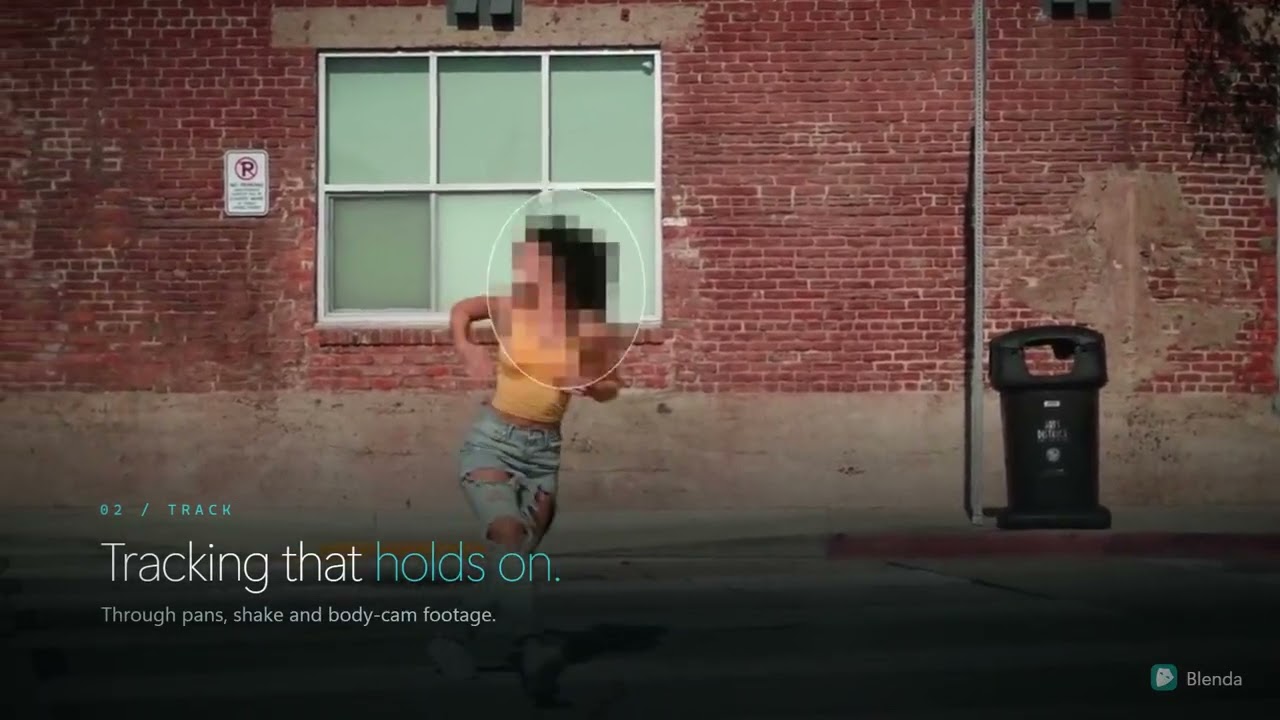
A woman running past a brick wall, her face pixelated inside an oval tracking mask, with the caption Tracking that holds on

The feature tour

Blenda end to end in under a minute: one-click detection across six classes, tracking that holds through pans and shaky bodycam footage, background redaction, word-level audio redaction, and the hash-verified report that ships with every export. All of it runs on your own workstation.
Feature tour - 0:55

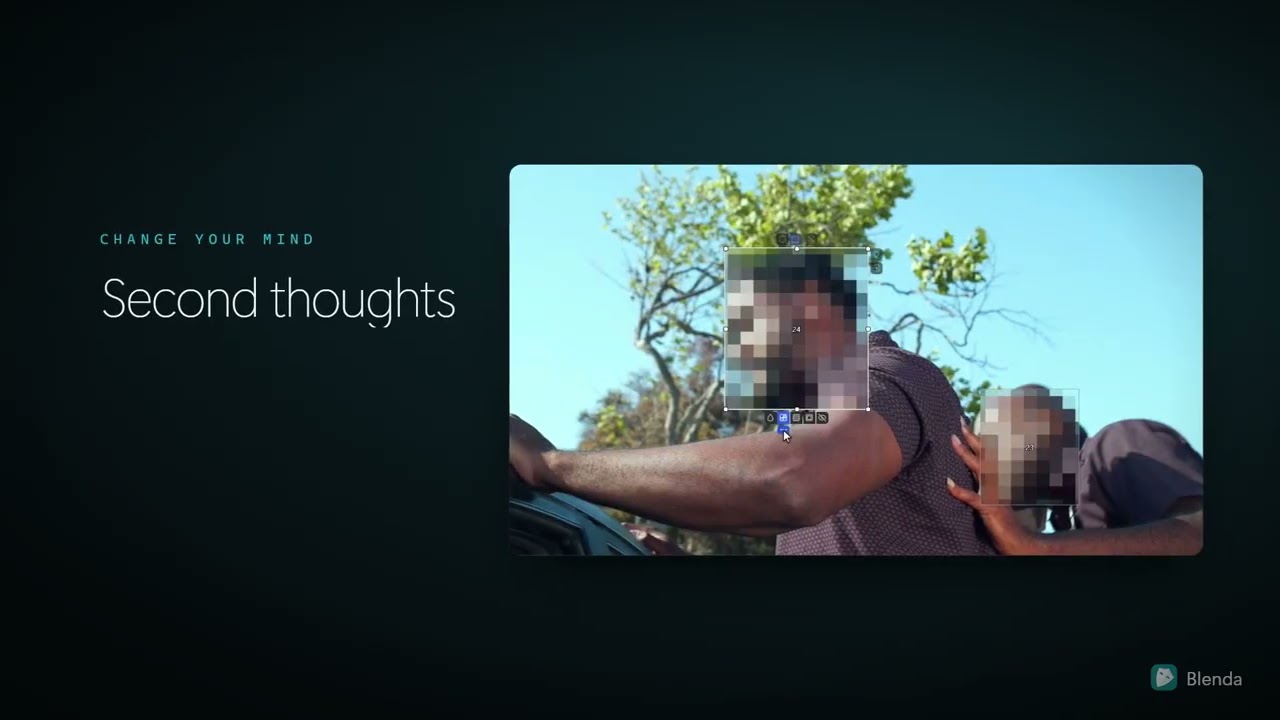
VeloScene Blenda with two pixelated faces in a roadside scene, one mask selected for editing, beside the heading Second thoughts

Break the redaction bottleneck

Bodycams, interview rooms, CCTV and dashcams produce more disclosable video than most agencies can process. This one is about clearing that backlog: adjust any mask and re-export without waiting, step through footage frame by frame or at speed, and keep the original, the redacted release and the examiner report together in one record.

For FOIA, disclosure and discovery teams - 0:48

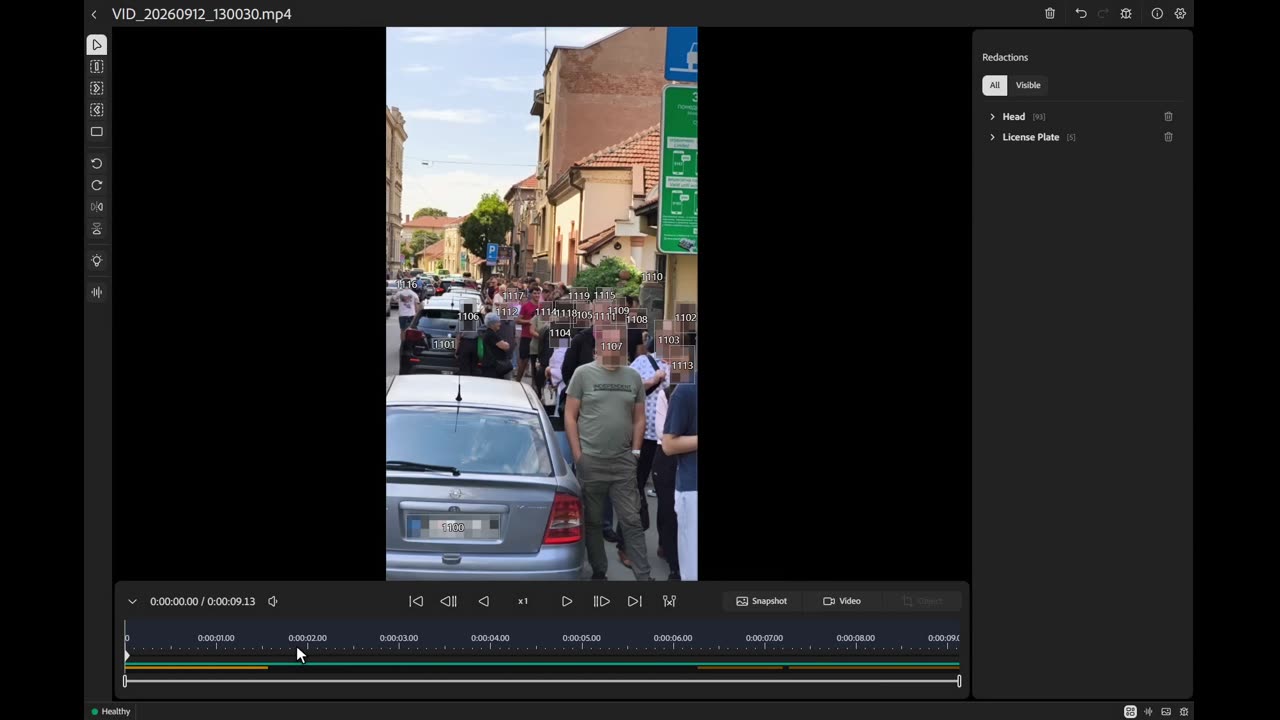
VeloScene Blenda after a detection pass: every face in a crowded street masked and numbered, with 93 heads and 5 license plates listed in the Redactions panel

93 faces and 5 license plates, in one pass

A nine-second handheld clip of a packed street. Pick the detection classes - heads, people, vehicles, license plates, ID cards or screens - press Start Detections, and the AI makes a single pass. Every subject comes back as its own tracked redaction you can inspect, adjust or delete before anything is exported.

Full workflow, start to finish - 0:38

Automatic head & identity redaction

Heads and identifying detail found and masked automatically, then rendered to a finished clip. Detections are tracked through the whole shot, so a subject who turns away or walks out of frame stays covered when they come back.

Sample redacted export - 1920×1080 - rendered on-device

Background redaction

Switch it on and every pixel is masked by default. Then mark only what should stay visible - the subject of an interview, an officer's hands, a document on the table. Everything you don't approve stays blurred.

Background redaction - whole scene masked, marked subject left clear

Want to see it on your own footage? That is the point of the product - it runs on your machine, so your files never come to us. Contact & quotes