 Blenda
by VeloScene
AUTOMATIC REDACTION
A real export, rendered on-device
Faces and identifying detail masked automatically, then rendered to a finished 1080p clip.
Blenda finds and tracks every face, plate, ID and screen in your footage, masks them in minutes, and exports a hash-verified report. It runs on your workstation. Nothing is uploaded.
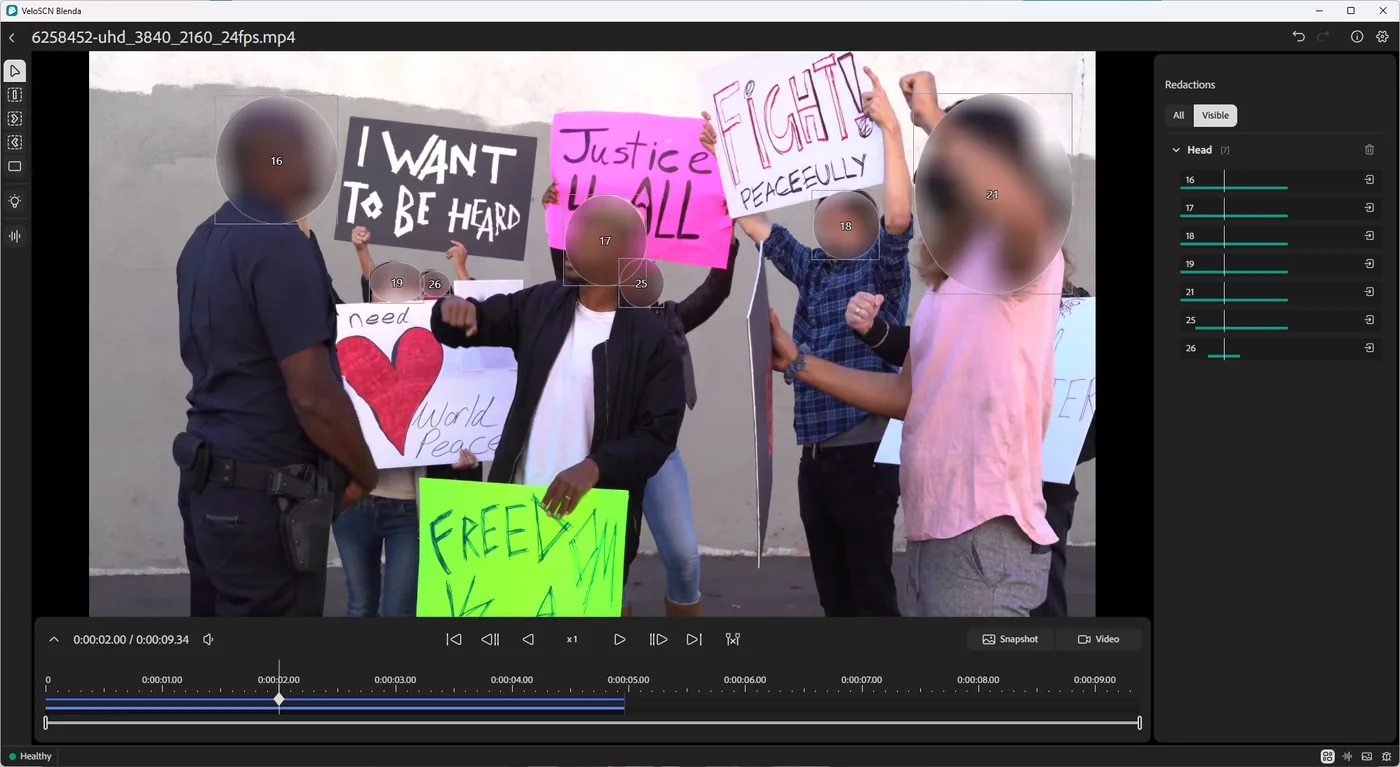
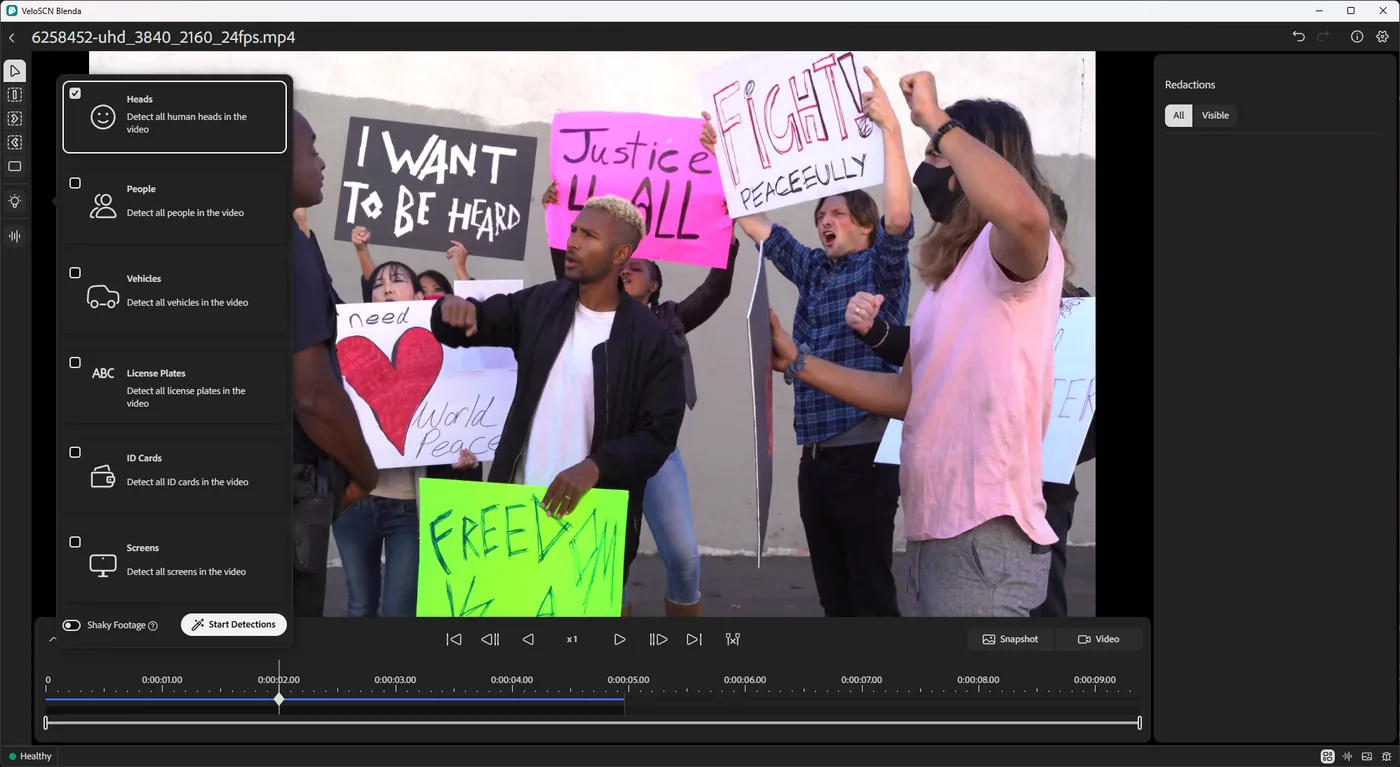
One pass finds faces, people, vehicles, plates, IDs and screens. Pixel-precise segmentation, plus a mode for shaky handheld footage.
Follow a face forward or backward through the clip and keep one mask on it. Refine with keyframes.
Blur, pixelate, solid or outline. Review every detection frame by frame. Low-confidence audio is flagged for your ear.
Redactions are burned into pixels and audio, metadata scrubbed. You get a PDF report with SHA-256 hashes.
Blenda's AI only finds where faces, plates, ID cards and screens appear, so they can be hidden. It doesn't identify, recognise, profile or assess anyone, and it makes no decisions about people. A person reviews and approves every redaction.
Faces and identifying detail masked automatically, then rendered to a finished 1080p clip.
Start from a fully masked scene and mark who stays visible. Bystanders, reflections and monitors stay covered.

Ten short chapters on real footage, about 40 minutes in all. You work in Blenda's own screens, right in your browser, with a guide at your side. There's nothing to install.
The guided chapters open with a personal link you can get on the training site. Explore freely opens Blenda with sample videos and no guide.


AI sweeps each clip and gives you a reviewable detection list, so whoever signs the release has seen every redaction.
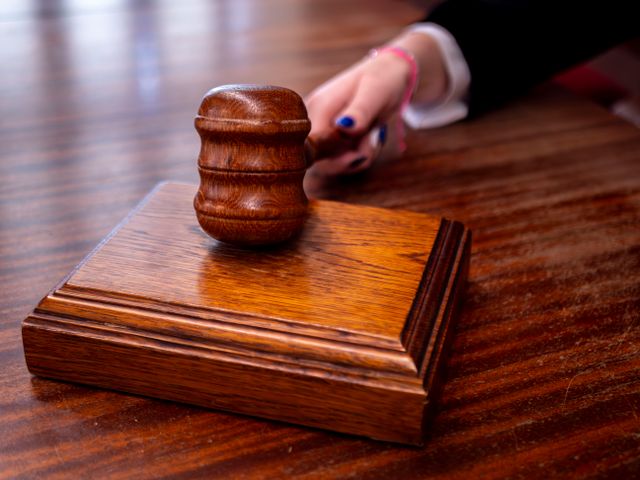
Redact bodycam and interview footage for experts, motions and trial. No outside party ever touches the file.
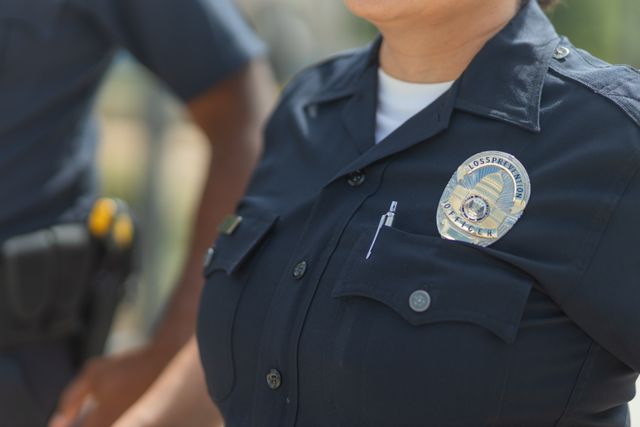
One license on your existing workstation. No per-file fees and no evidence-platform bundle. POs accepted.
Enter your own numbers. Assumes about 30 min of human review per hour of footage with Blenda.
AI models ship with the installer. All video and audio processing runs on your GPU. The network is used only for license activation and update checks.
| Blenda | Cloud redaction platforms | Manual editing | |
|---|---|---|---|
| Footage leaves your machine | Never | Uploaded | No |
| AI detection & tracking | Yes | Yes | No |
| Per-file or per-minute fees | None | Common | None |
| Requires evidence-platform contract | No | Often | No |
| Hash-verified redaction report | Every export | Varies | No |
| Outputs are standard files you own | Yes | Platform-bound | Yes |
Windows 10/11 64-bit · NVIDIA RTX 2080 or newer · signed installer. Full specs
Exports are re-encoded with redactions in the pixels and audio. No hidden original layer.
Security overview · Terms of sale · EULA · W-8BEN-E on request
No feature gates and no crippled tier - every seat gets the same full Blenda. Pay monthly, or pay for the year and get a month free.
Invoiced monthly - stop or change seat count any time
$3,000 - save $250 per seat, 12 months for the price of 11
For departments, agencies, and multi-seat rollouts
Blenda requires an active license to run, whichever term you choose. When it lapses the app won't launch until you renew - but everything you've already produced (redacted exports, reports, and snapshots) stays on your disk as standard files, yours to keep. Every new license comes with a 14-day money-back guarantee. Pay by invoice (bank transfer) or purchase order; W-8BEN-E available on request.
No. Video and audio are processed on your GPU. Blenda only goes online to activate the license and check for updates, and your footage is never part of that.
Blenda's AI only finds where faces, plates, ID cards and screens appear, so they can be hidden. It doesn't identify, recognise, profile or assess anyone, and it makes no decisions about people. A person reviews and approves every redaction.
Windows 10 or 11 (64-bit) with an NVIDIA RTX 2080 or newer. Blenda checks the GPU at startup.
Yes. Exports are re-encoded with masks burned into the pixels and audio, and metadata is scrubbed. Your original stays untouched in a separate working copy.
Yes - 14 days with the full product and every feature, on your own workstation and your own footage, with no obligation to buy. Enter your email on the trial page and we send you a download link and a trial code - no sign-up call, no waiting for sales. The 14 days start when you enter the code in Blenda. When the trial ends, Blenda stops launching until you buy a license, and anything you exported during the trial stays yours.
Yes. Annual and custom plans accept POs and net terms, and we invoice for payment by bank transfer. A W-8BEN-E is available on request.
The app stops launching until you renew. Everything you exported stays on your disk as standard files.
The full product, every feature, fully offline. Try it free for 14 days on your own footage, with no obligation to buy.